From Screen Time to Skill Time: Turning Your Phone Into a Learning Tool
For many first-time learners, a phone is the only computer they have. Here's how to make that phone work harder for your education, not just your entertainment.
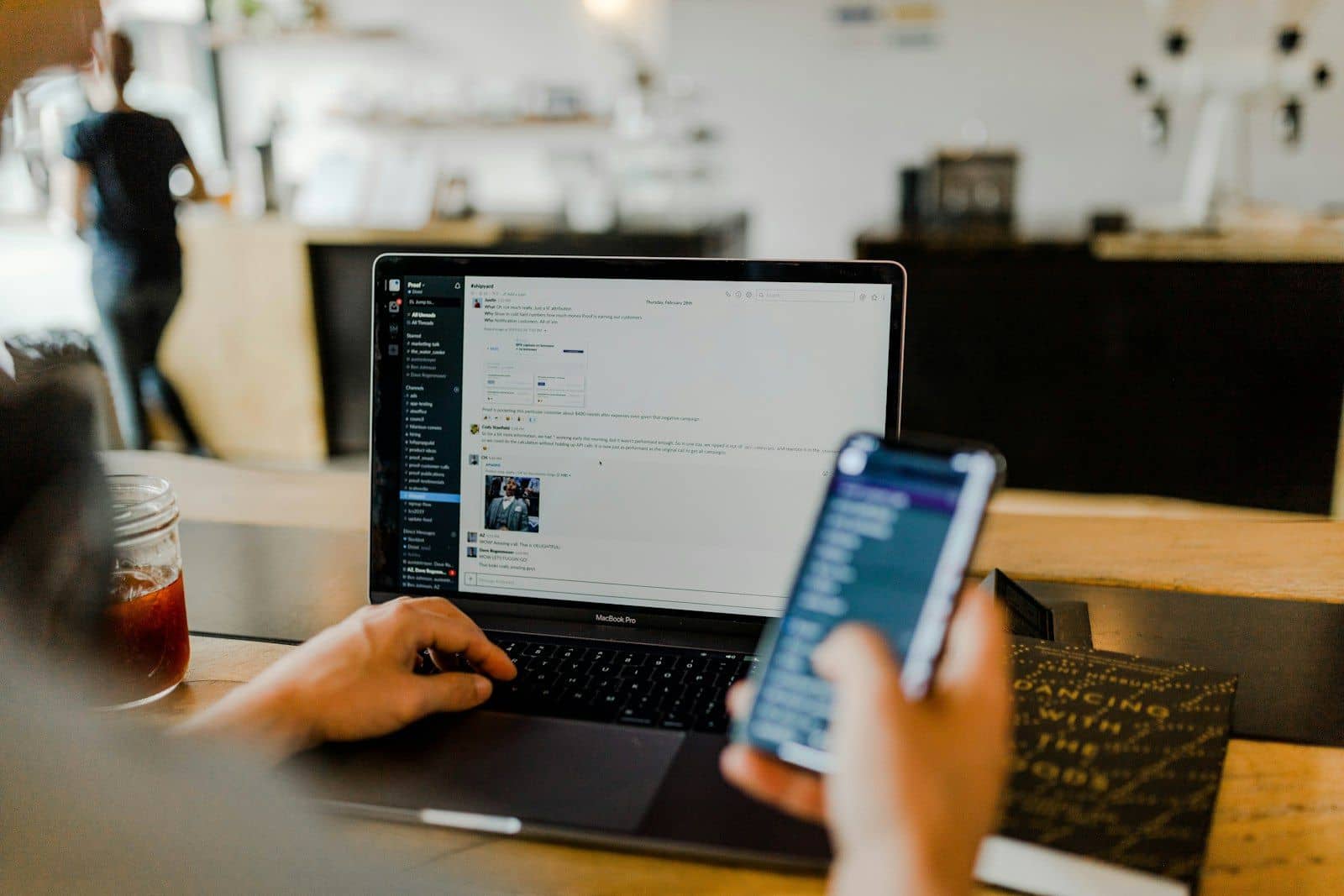
For a large number of students, the primary computer they own is the phone in their pocket. That's not a limitation to apologise for — it's simply the reality of how most first-time learners are getting online, and it's worth building good habits around.
Separate learning apps from everything else
Create a folder on your home screen for learning-only apps — a course app, a dictionary, a translation tool, a notes app. Keeping them separate from social media makes it easier to open your phone with intention rather than habit.
Use offline mode aggressively
Most serious learning apps let you download lessons, videos, or e-books for offline use. Do this whenever you're on stable Wi-Fi, so a bad mobile signal doesn't cost you a whole evening's study time.
Turn voice typing into a writing shortcut
If typing on a small keyboard slows you down, most phones have accurate voice-to-text built in. Dictate a rough draft of an essay or an email, then go back and edit — it's often faster than typing from scratch, and it can help if you think more easily out loud.
Watch your data, not just your time
Video is expensive on a limited data plan. Where possible, choose text-based explanations or audio over video for routine learning, and save video for topics where seeing something actually matters — a science demonstration, a language's pronunciation, a piece of code being written.
Set a "closing time"
A phone that's good for learning is also good for endless scrolling. Decide in advance when you'll stop for the day, and use your phone's built-in screen time tools to enforce it. The goal isn't to use your phone less — it's to make sure the time you do spend on it is time well spent.
Related articles


Start your climb.
For twenty years, FAER has backed engineering students from across India who have the ideas, but not the access.