Coding with AI: How Beginners Are Building Their First Projects Faster
AI coding assistants are lowering the barrier to writing your first program. Here's how a total beginner can use them well — and where they can lead you astray.
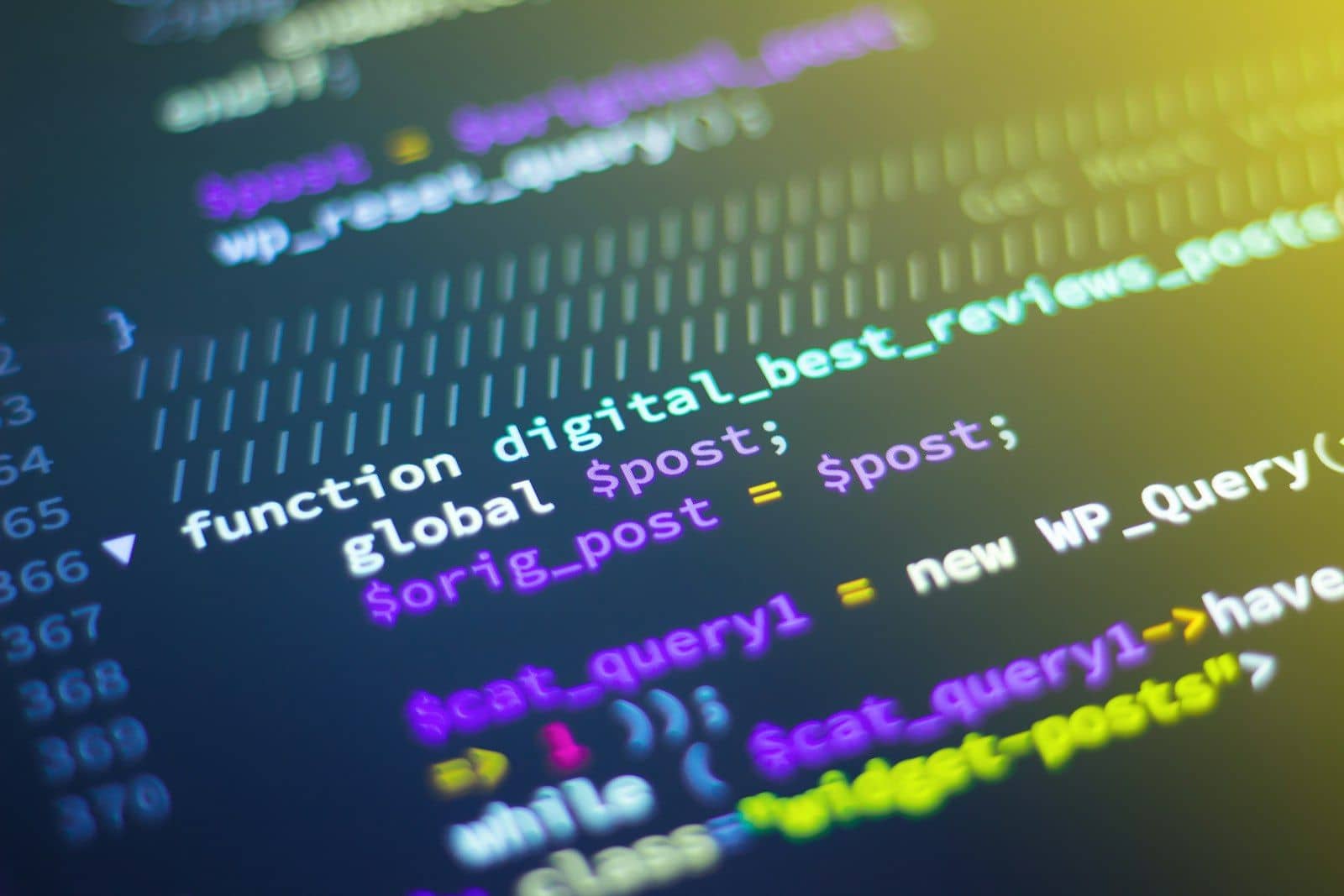
Writing your very first program used to mean staring at a blank screen and a wall of unfamiliar syntax, with no one to explain why a semicolon in the wrong place breaks everything. AI coding assistants have changed that starting experience considerably.
What AI coding tools actually do well
Ask an AI assistant to explain an error message, and it will usually tell you in plain language what went wrong and why — far more approachable than the raw error text alone. Ask it to write a small function, and it will often produce working code you can read, run, and learn from.
Use it to read code, not just to write it
The most useful habit for a beginner isn't asking AI to write your whole project — it's asking it to explain code line by line, including code you didn't write yourself. Understanding why something works is what turns a copied answer into a real skill.
Build something small and real
A good first project is small enough to finish in a weekend: a simple calculator, a to-do list, a quiz game. Use an AI assistant to get unstuck when you're stuck, but write as much of it yourself as you can — the parts you struggle through are the parts you actually learn.
The trap to avoid
It's tempting to accept every suggestion an AI tool offers without understanding it, especially under a deadline. Code you don't understand is code you can't fix when it breaks — and in a real job, you will need to fix it. Slow down enough to understand what you're accepting.
Where this leads
Beginners today can go from "I've never coded" to "I've built something that works" in weeks rather than months. What still separates a hobbyist from a hireable developer is the same as it always was: a body of real, understood projects — AI just helps you get there faster.
Related articles



Start your climb.
For twenty years, FAER has backed engineering students from across India who have the ideas, but not the access.